


 Track
Track
 Login
Login


Use Different Card as Auto Debit
1. Open/Download the My Astro app or visit My Astro web.
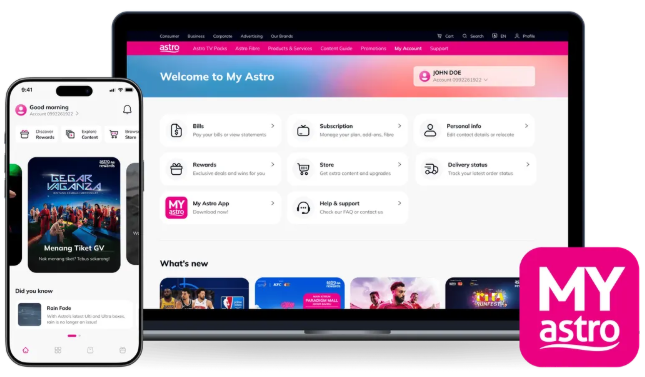
2. Login with your Astro ID.
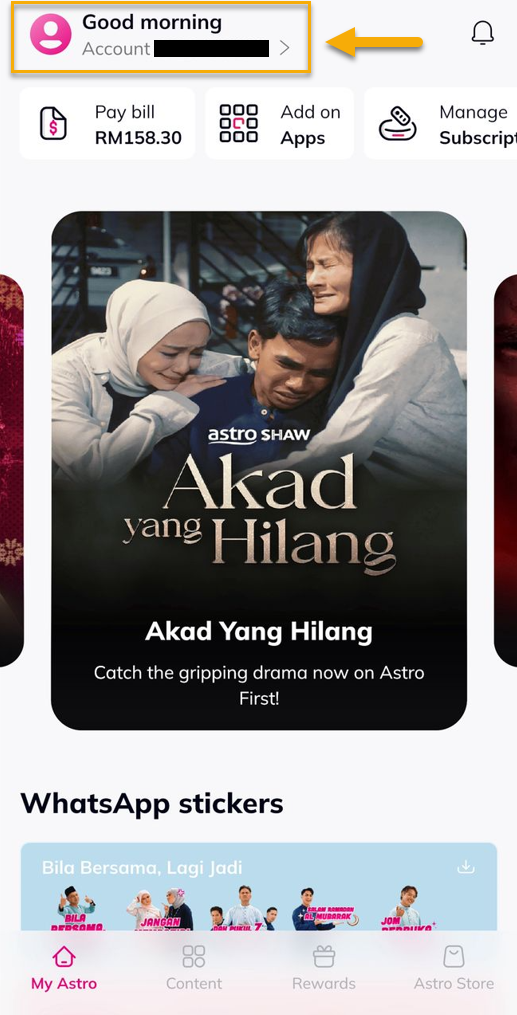
3. Go to Account.
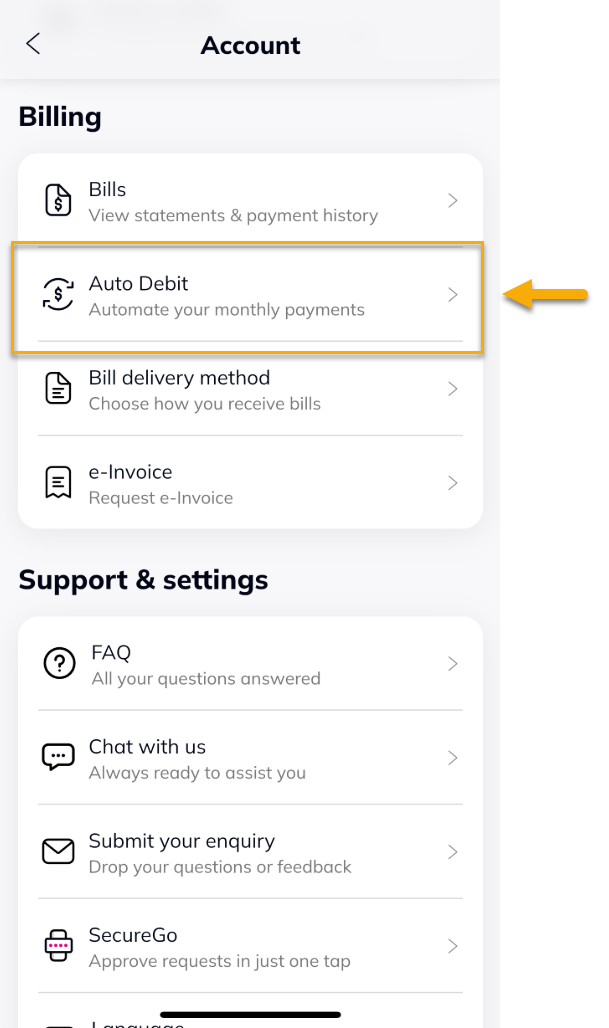
4. Under Billing, tap on Auto Debit.
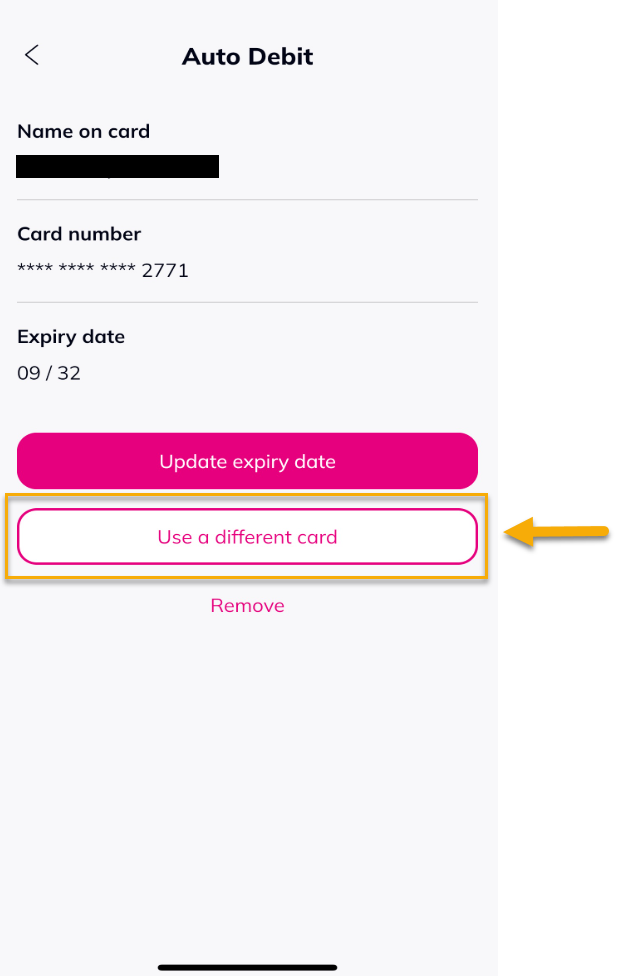
5. Select 'Use a different card'.
6. Fill in all the information, choose 'I agree to the Terms and Conditions & Privacy Notes', then tap 'Save'.

7. A successful notification will be displayed.


