


 Track
Track
 Login
Login


Update Mobile Number
1. Open/Download the My Astro app or visit My Astro web.
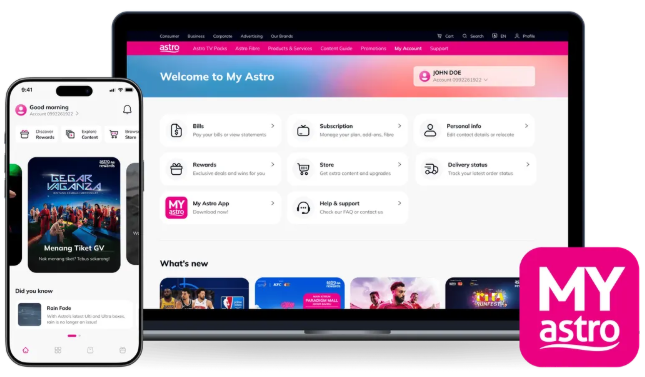
2. Login with your Astro ID.
3. Go to Account.

4. Select 'Profile'.
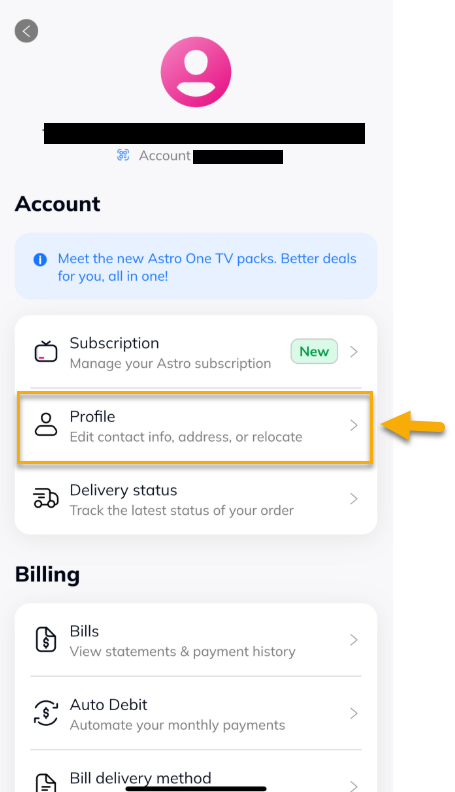
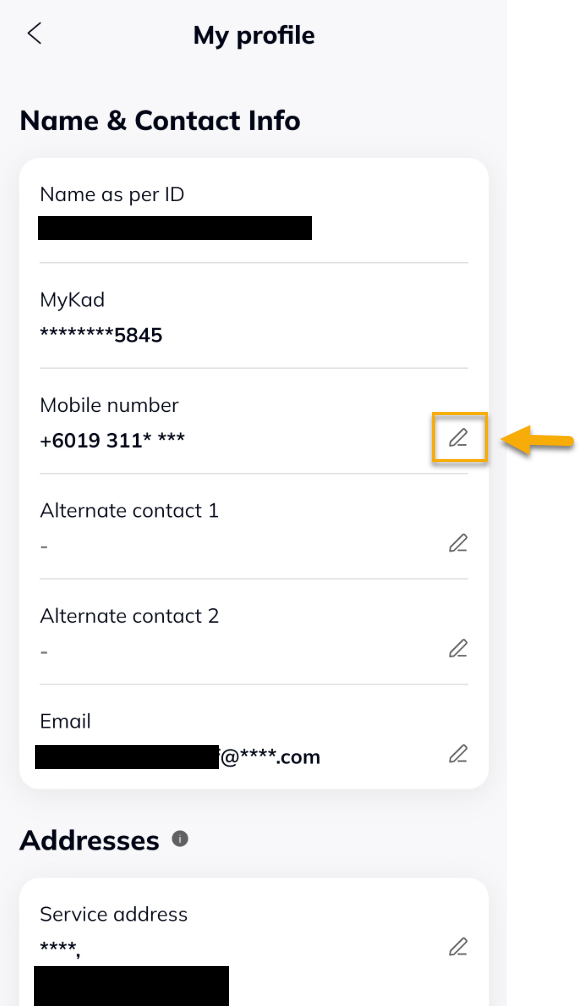
5. Under Mobile number, tap on the edit icon.
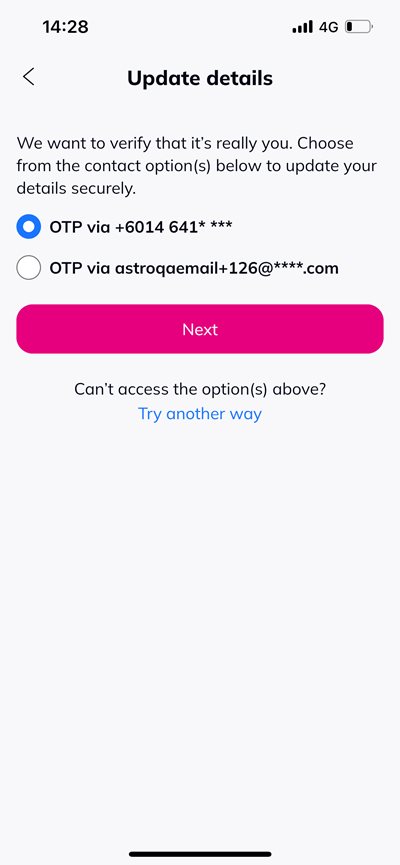
6. Select your verification method. The OTP will be sent to your registered mobile number or email address.
7. Enter the 6-digit One Time Pin and tap 'Verify'.
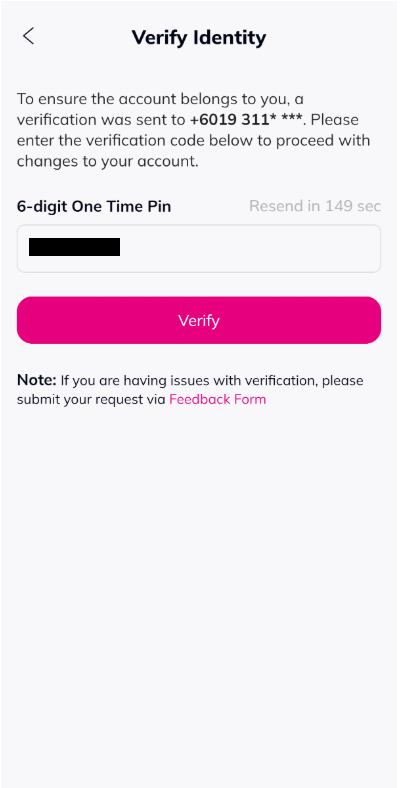
8. Enter the new mobile number and tap 'Next'.

9. Enter the One Time Pin sent to the new number and tap 'Verify'.
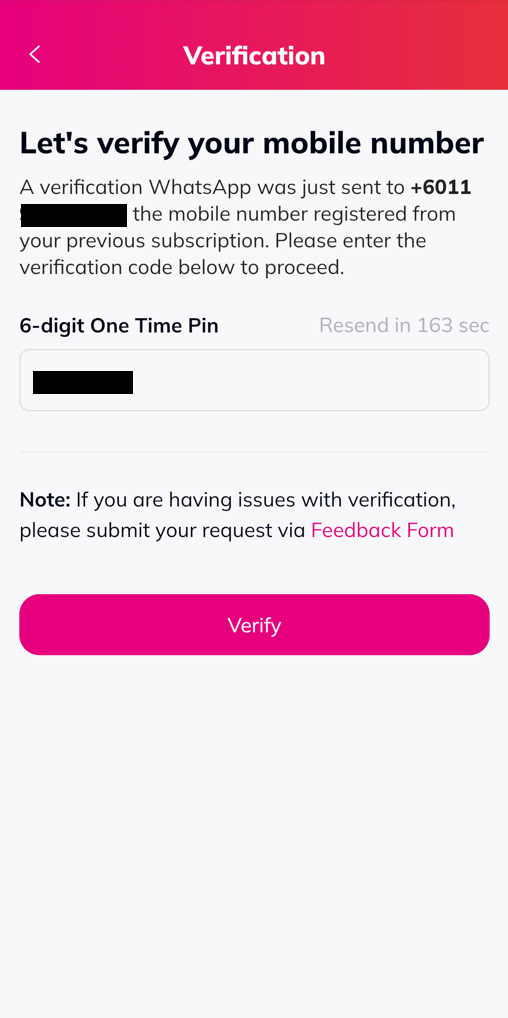
10. A successful notification will be displayed.

Similar Articles

