


 Track
Track
 Login
Login


Refresh Box setting (Clear NVRAM) - Ultra / Ulti Box
STEP 1
Switch OFF the power of your Ultra / Ulti box and make sure that the adapter's power light is off.
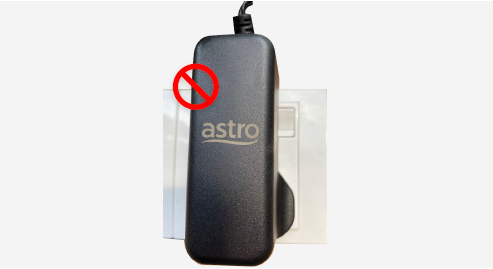
STEP 2
Switch ON the power of your Ultra / Ulti box and make sure that the adapter's power light is on.
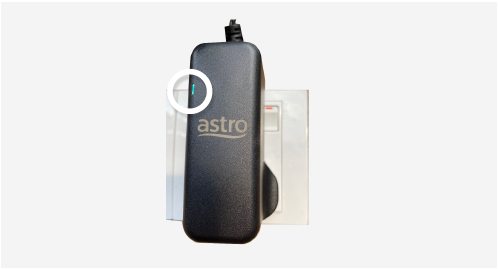
STEP 3
On your remote control, press the Home or Standby button repeatedly until the Startup Options appear on TV.
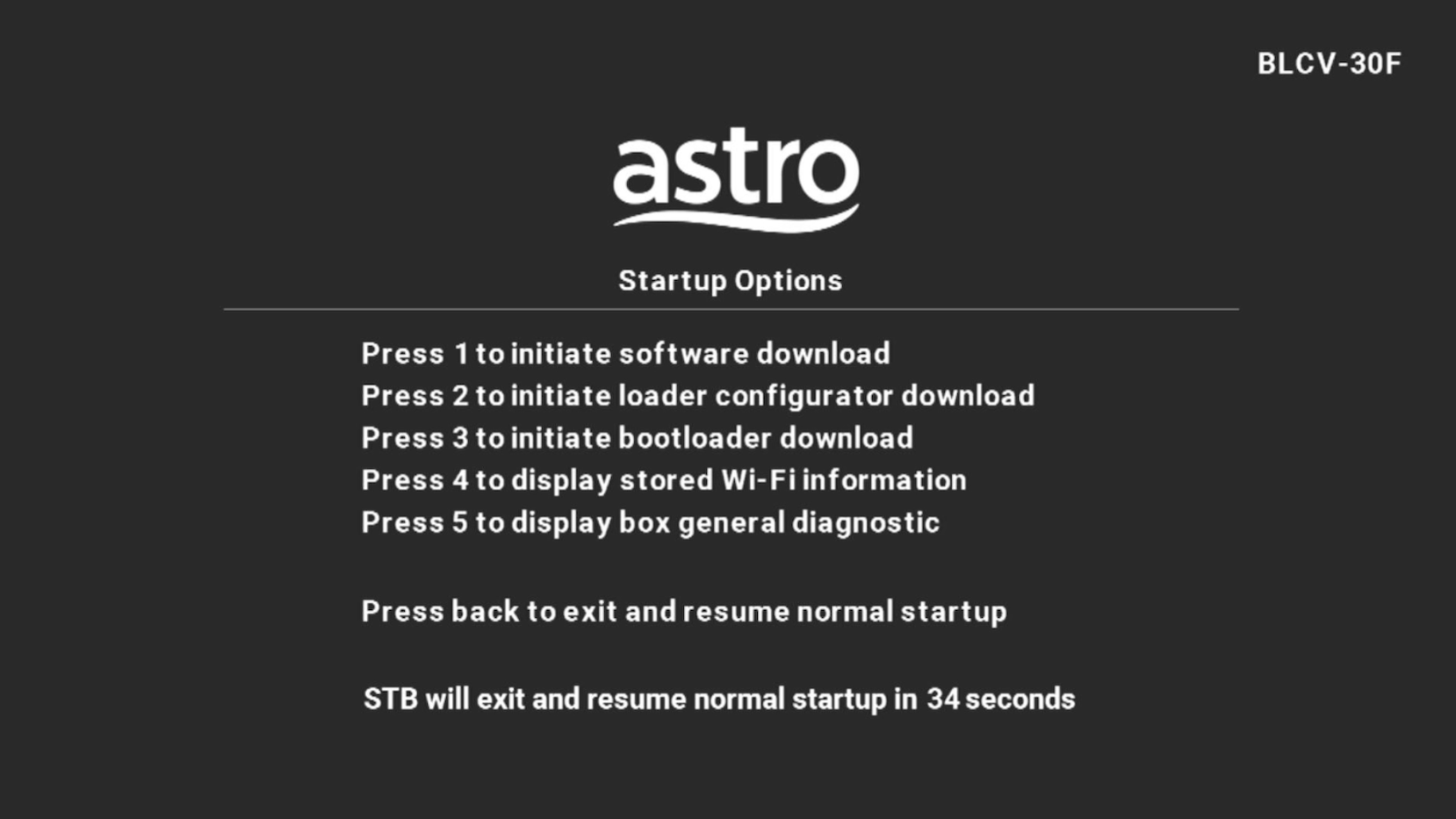
STEP 4
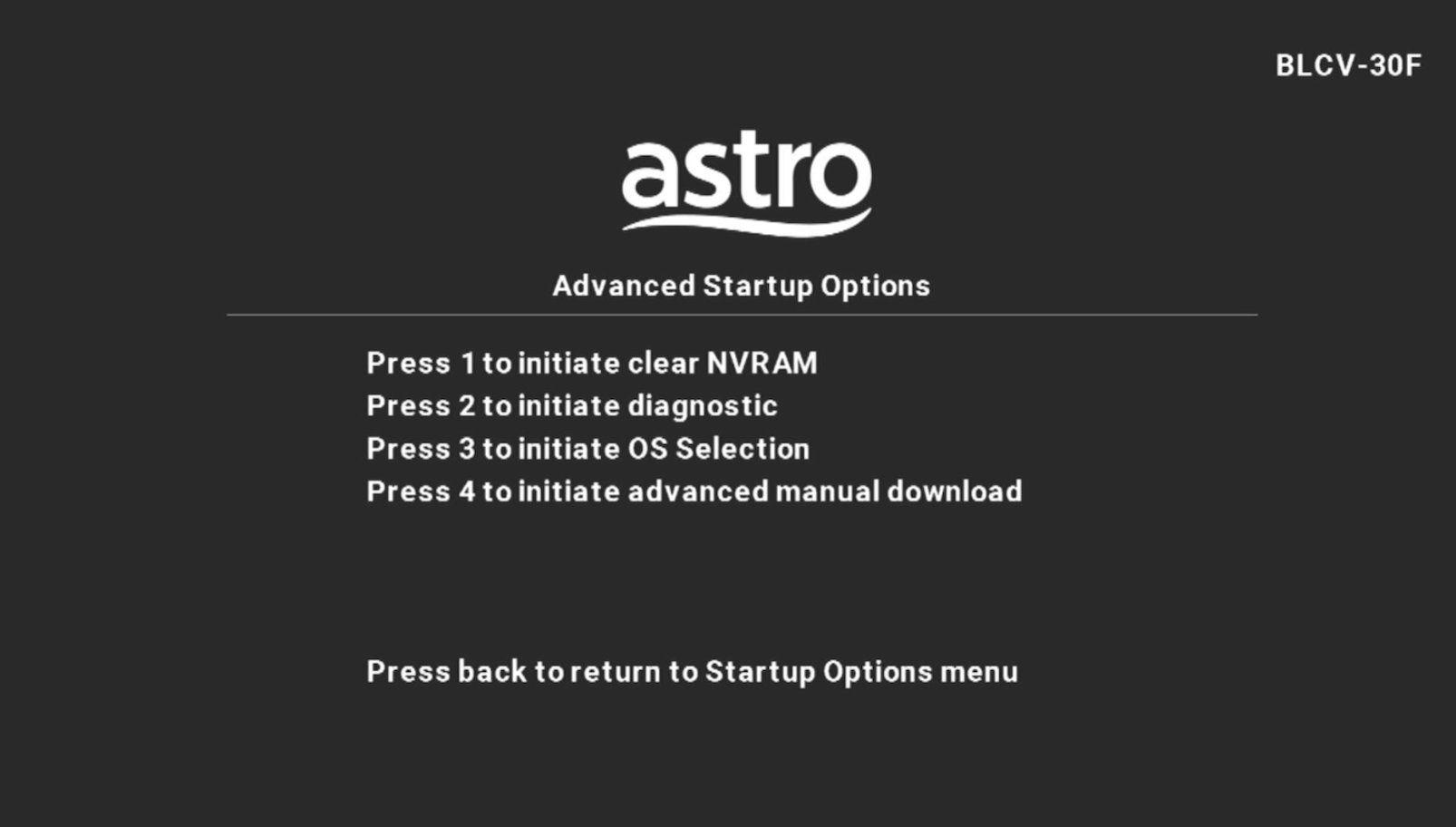
Press "987" to proceed.
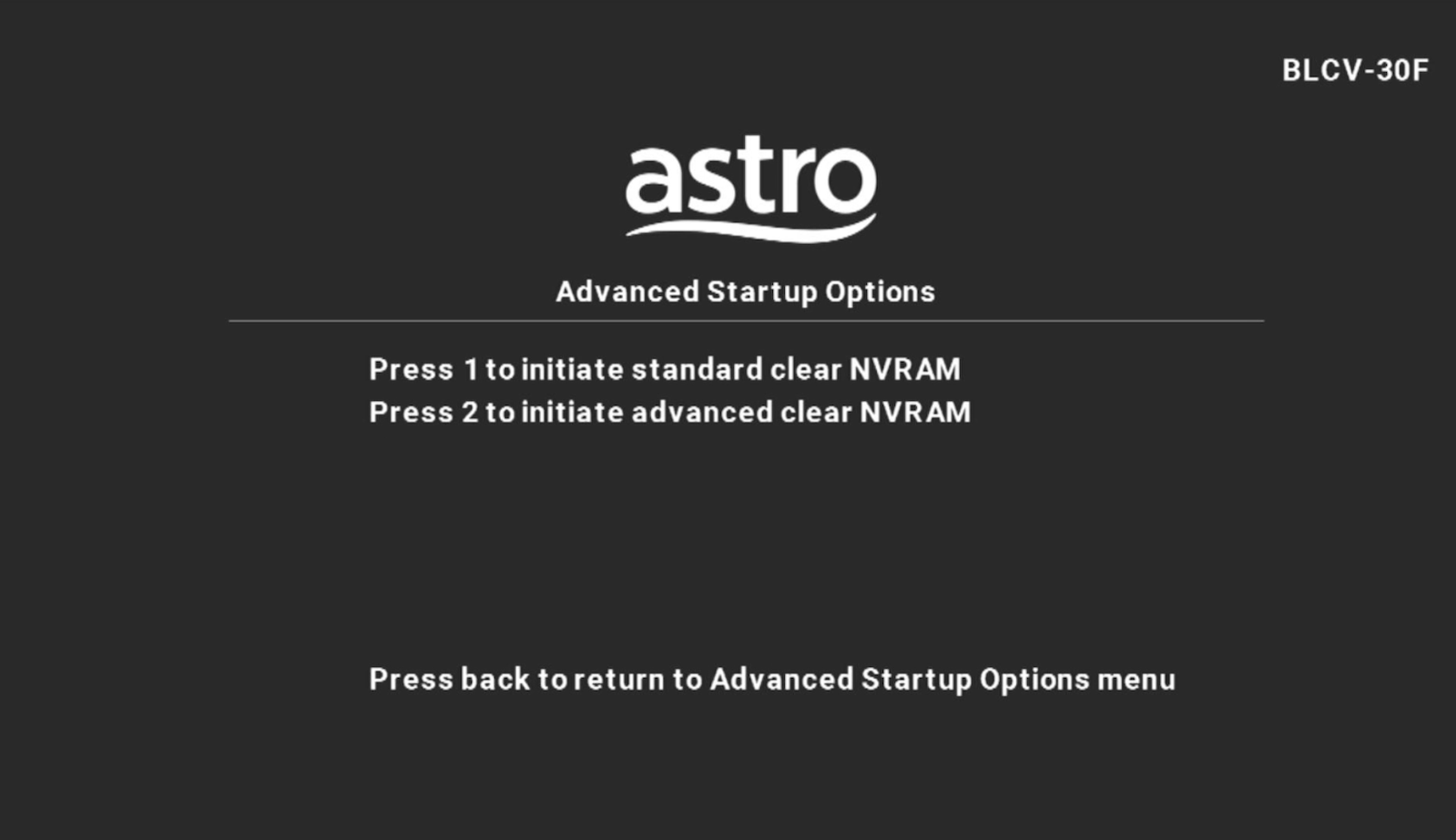
Advanced Startup Options will be displayed.
STEP 5
Press "1" to initiate a reset setting.
STEP 6
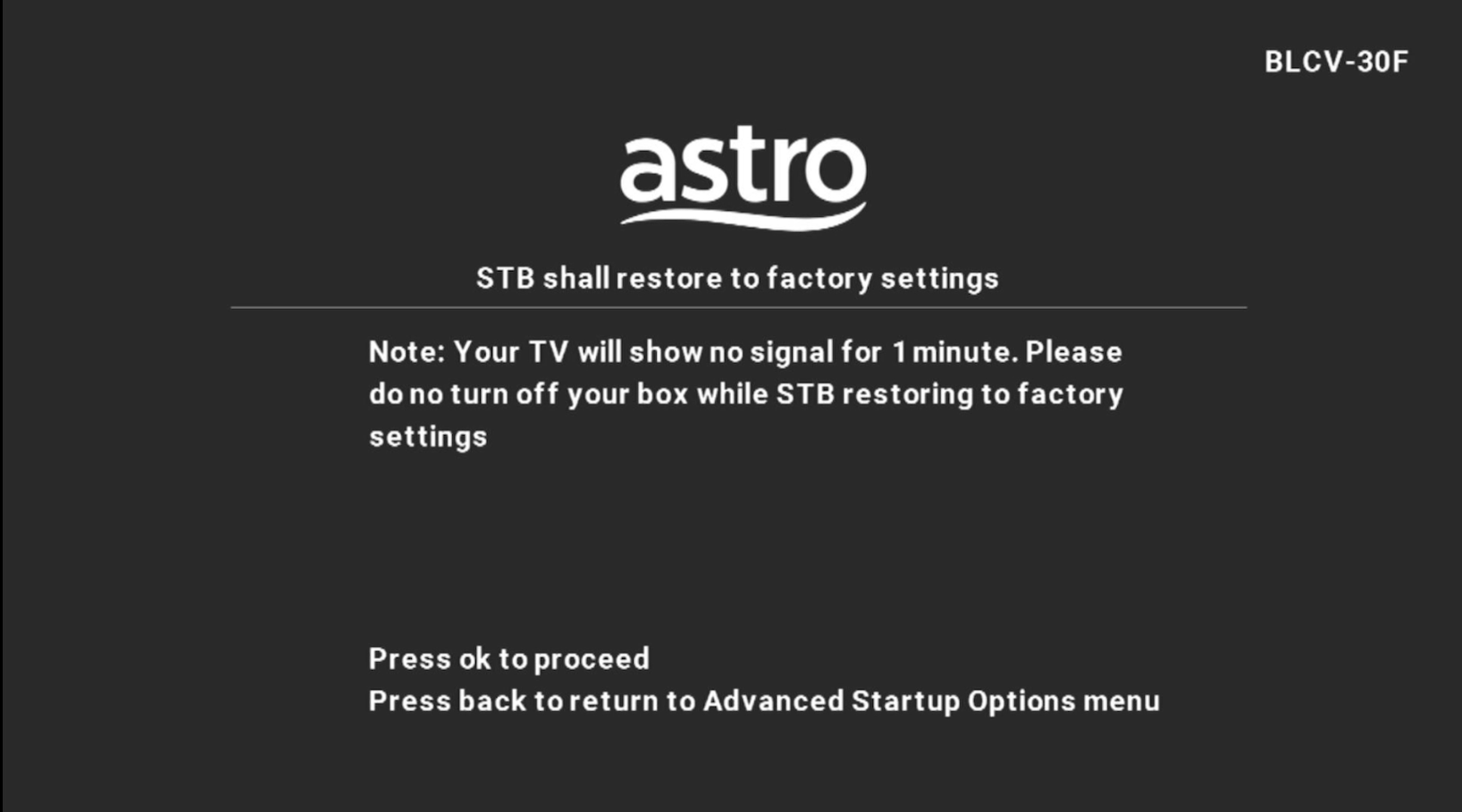
Press "OK" to continue.
STEP 7
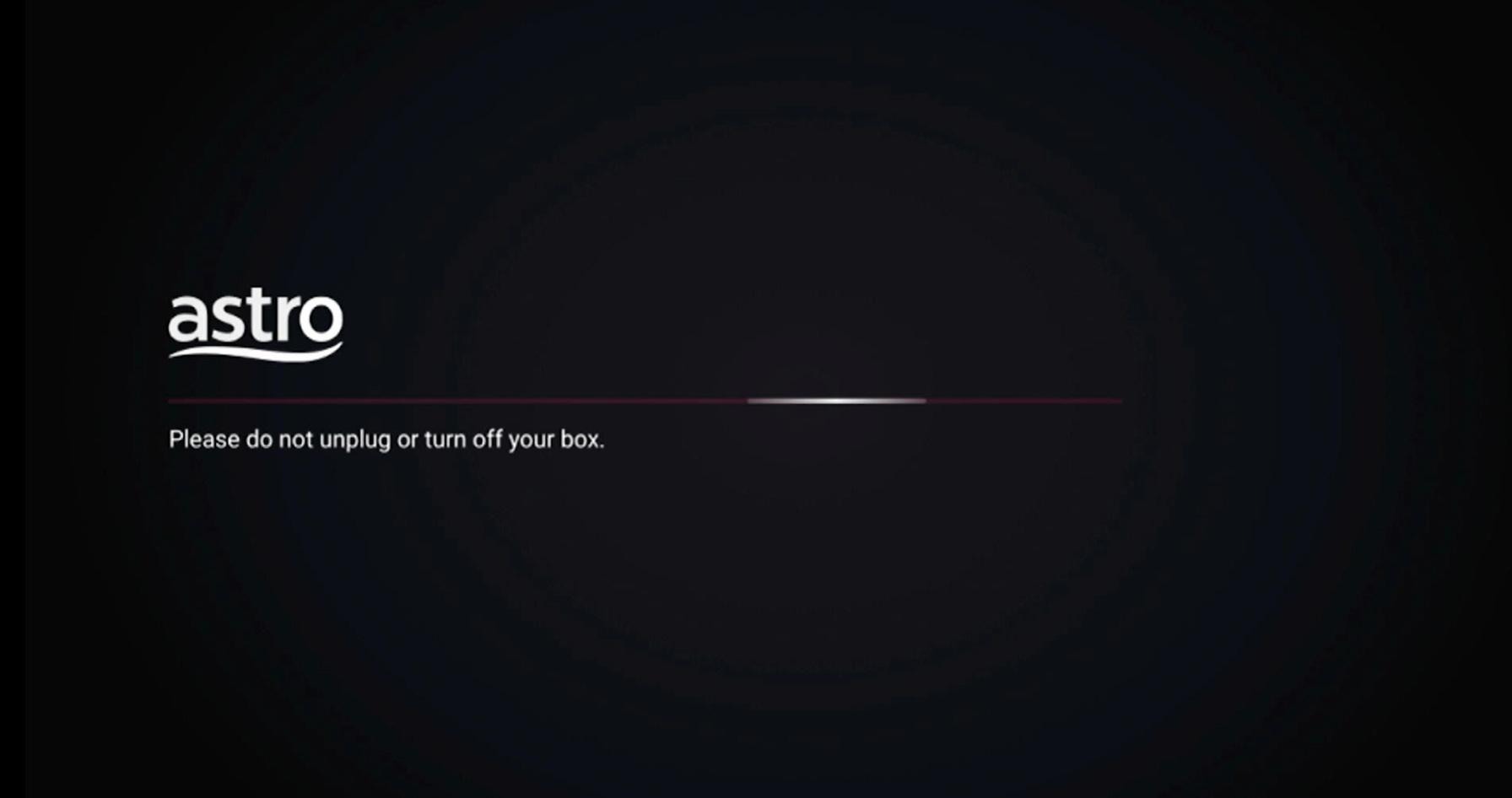
After the factory setting is restored, TV will turn blank.
Please wait until the box completes initiate setup.
STEP 8
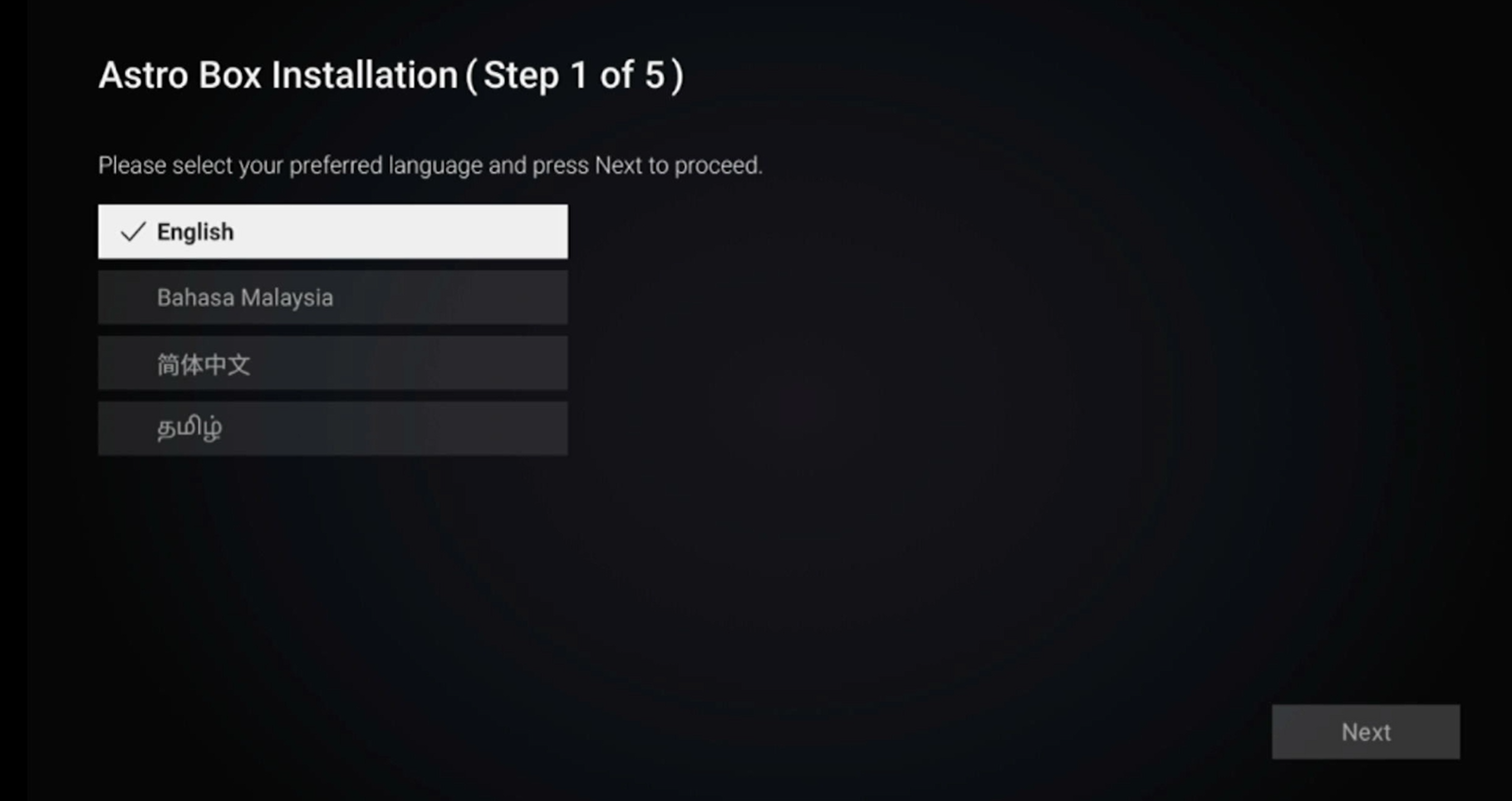
Once completed, the following screen will appear on your TV.
Refer to Installation Setup guide to complete the setup.
Click here to follow New Installation Settings guide for Satellite
Click here to follow New Installation Settings guide for Plug and Play
Similar Articles

