


 Track
Track
 Login
Login


Please insert the correct Astro Smart Card with the arrow facing up (S32) - HD enabled Box
STEP 1
Switch off the power for your box and make sure that the adapter's power light is off.
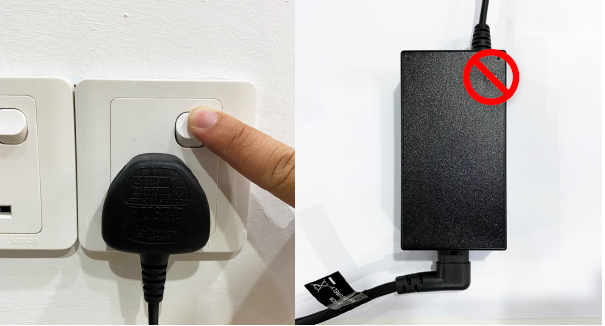
STEP 2
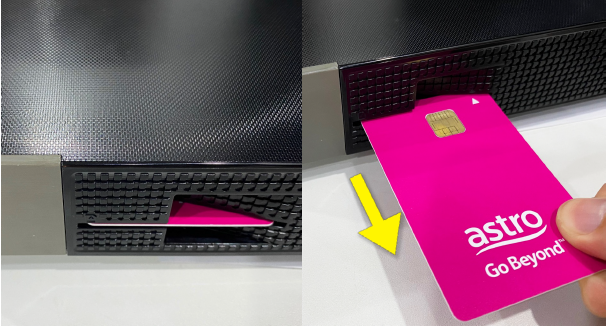
Locate the Smartcard at the front or right side and gently pull it out make sure that the adapter's power light is off.
STEP 3
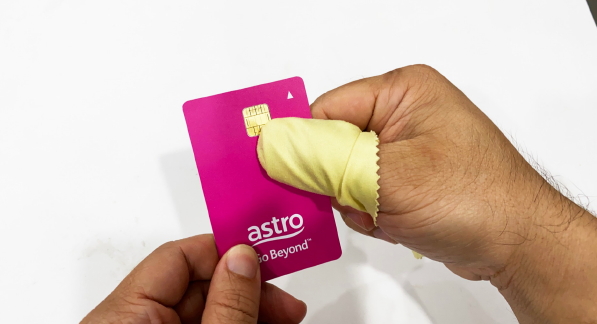
Wipe the Smartcard's gold chip clean using a dry soft cloth.
STEP 4
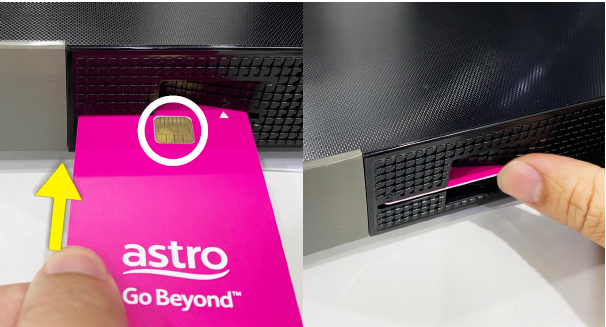
Make sure the gold chip is facing upwards and reinsert it all the way in.
STEP 5
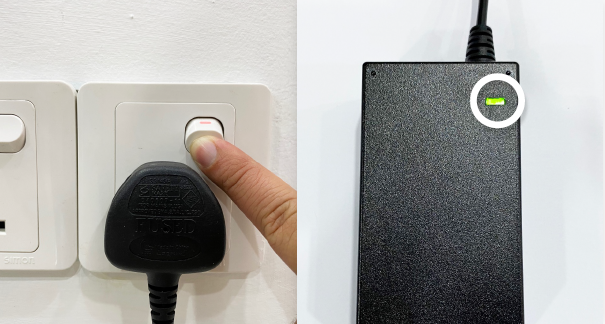
Switch on the power for your box and make sure that the adapter's power light is on. Please wait for 5 minutes.
STEP 6
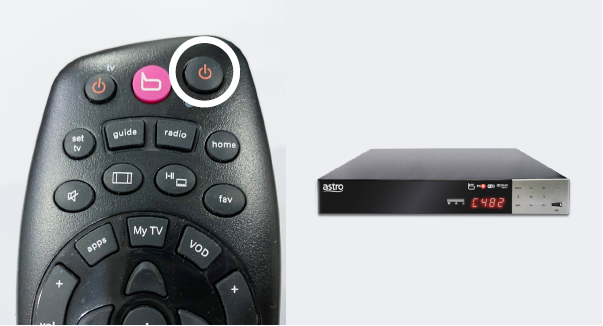
Turn on your box. You should no longer be experiencing this problem.
If issue persist, please submit the issue in our Feedback Form and attach a picture of your General tab of the STB Diagnostics for assistance.
Similar Articles

