


 Track
Track
 Login
Login


Manage Apps Add-on
1. Open/Download the My Astro app or visit My Astro web.
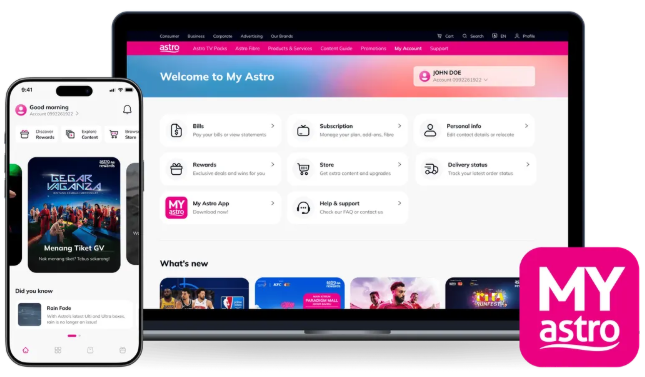
2. Login with your Astro ID.
3. Go to Add on Apps.

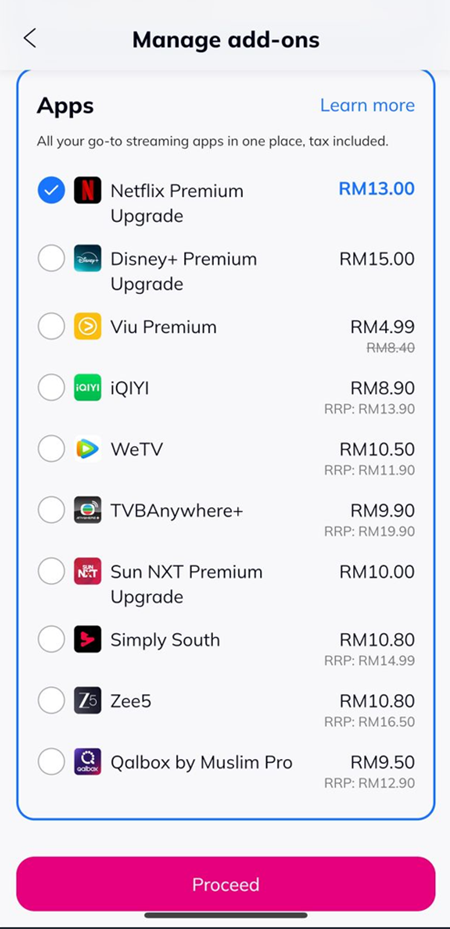
4. Under Apps categoty, tap Show more to show the full list of available Apps.
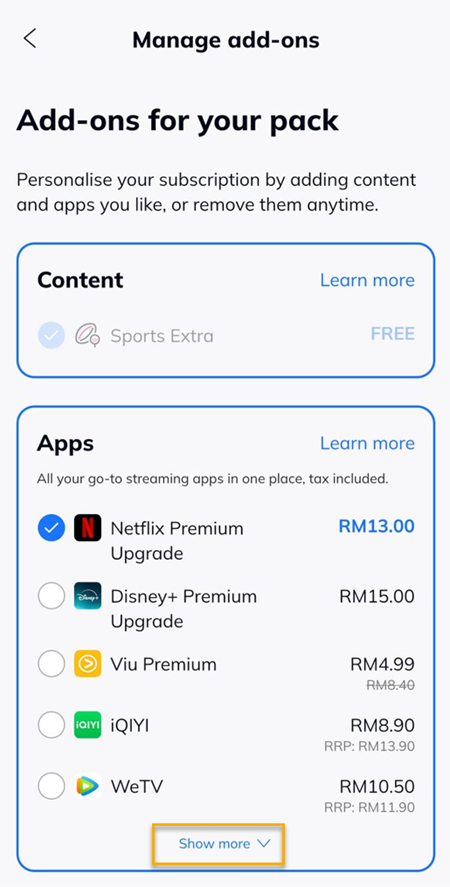
5. Select the require App to add-on and tap 'Proceed'.
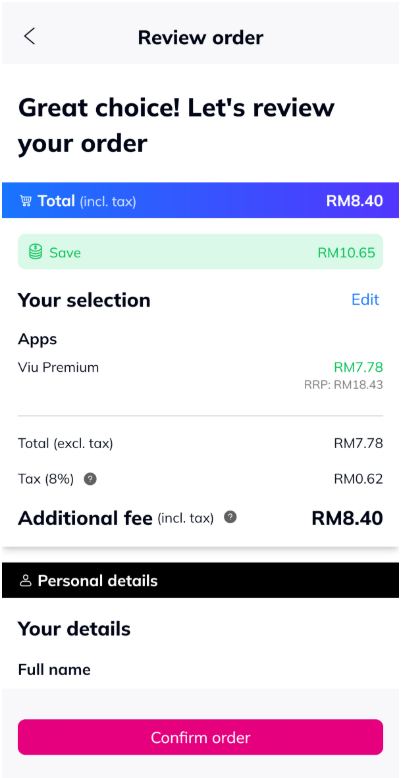
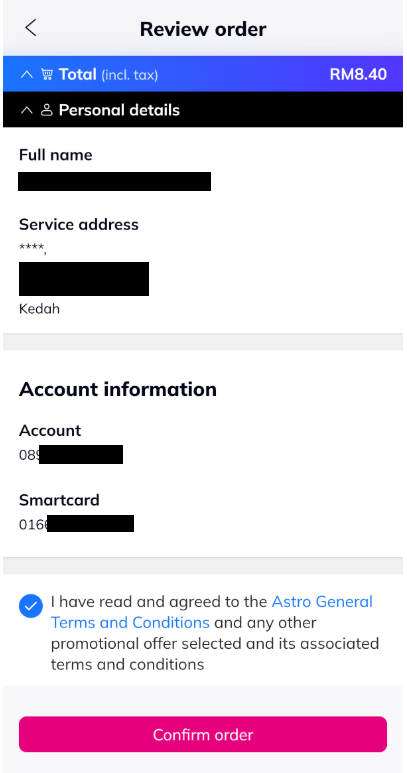
6. Review order, select agreed and tap on 'Confirm order'.
7. Select 'Approve' to edit add-ons.

8. A confirmation order will be displayed and click 'Done' to close.

Similar Articles

