


 Track
Track
 Login
Login


Fixing Blank Screen on Ultra/Ulti Box
STEP 1: Power Off the box
Switch off the power for your box.
Ensure the adapter's power lights is off
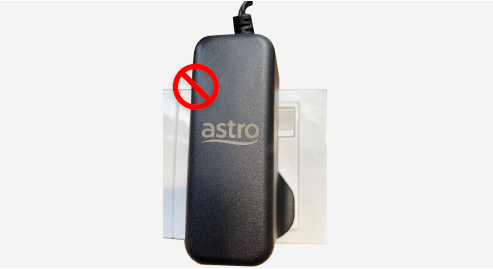
STEP 2 : Power On the Box
Switch on the power for your box.
Make sure the adapter’s power light is on..
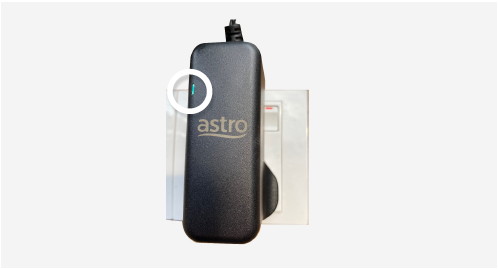
Step 4: Enter Recovery Mode
Press 987 on your remote.
The Advanced Startup Options will be displayed.
Step 5: Reset Display Settings
Press 1 to initiate a reset of the display settings.
Press OK to confirm.
Step 6: Wait for Reinitialization
After the reset, your TV screen will go blank temporarily.
Wait for the box to complete its setup process.
Step 7: Complete Setup
Once the setup screen appears,
follow the on-screen instructions to complete the installation
If issue persist, please submit the issue on our Feedback Form with the error details and provide sim card number for assistance.
Similar Articles

