


 Track
Track
 Login
Login


Blank screen after change resolution - Ultra Box
This issue occurs because your TV does not support the higher resolution.
STEP 1
Switch off the power for your box and make sure that the adapter's power light is off.
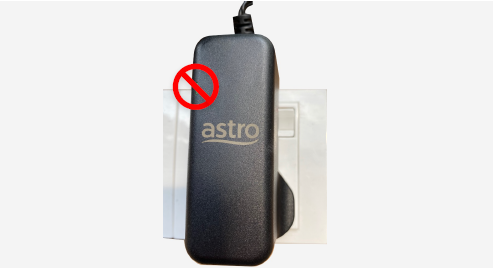
STEP 2
Switch on the power for your box and make sure that the adapter's power light is on.
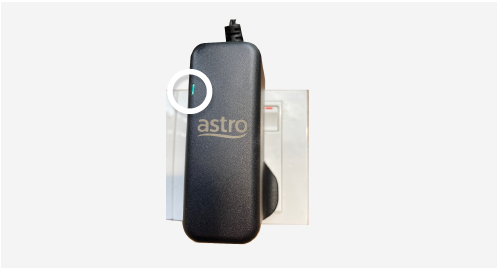
STEP 3
Press the standby button repeatedly after switch on the power.
The Startup Options screen will appear on your TV.
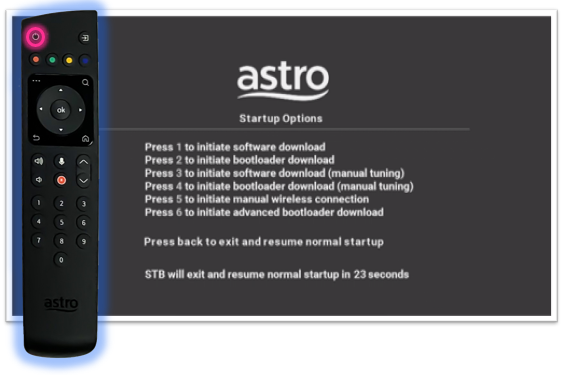
STEP 4
Press "987" to access the Advanced Startup Options menu.
Then, press "1" to initiate a reset setting.
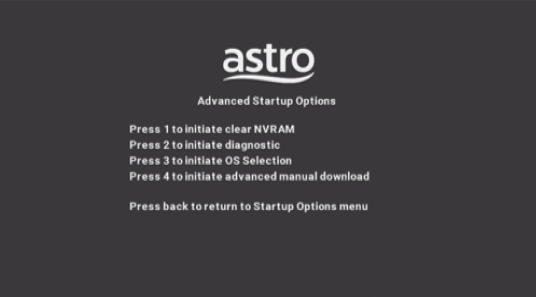
STEP 5
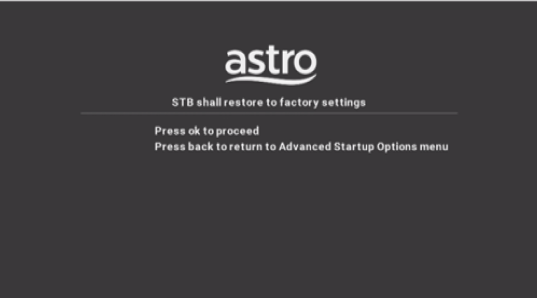
Press "OK" to confirm restore to factory setting.
STEP 6
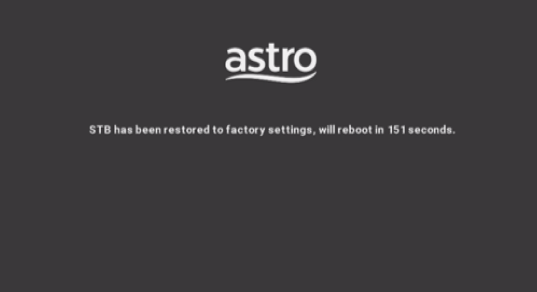
After the factory setting is restored, TV will turn blank.
Please wait until the box completes initiate setup.
STEP 7
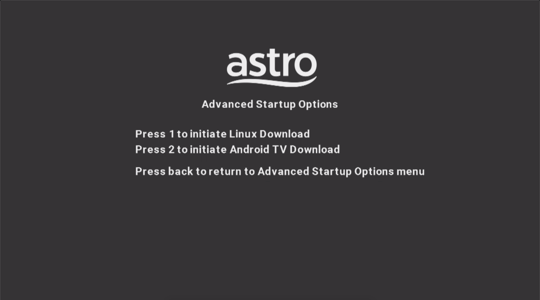
Press "1" to initiate Linux download on the software.
STEP 8
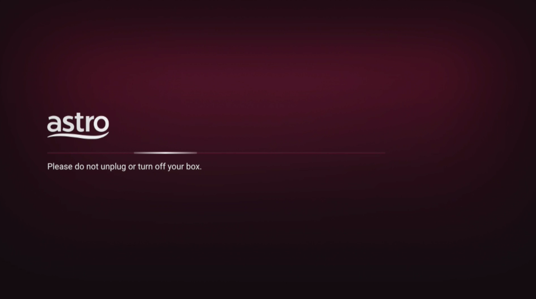
Once completed, the following screen will appear on your TV.
Refer to Installation Setup guide here to complete the setup.
Similar Articles

