Jejak
Jejak
 Log masuk


Kemaskini Alamat Servis (tanpa Pemindahan)
1. Buka/Download app My Astro atau layari laman web My Astro.
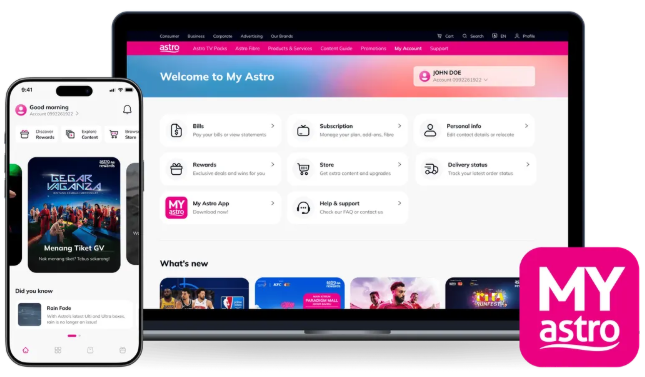
2. Login menggunakan Astro ID anda.
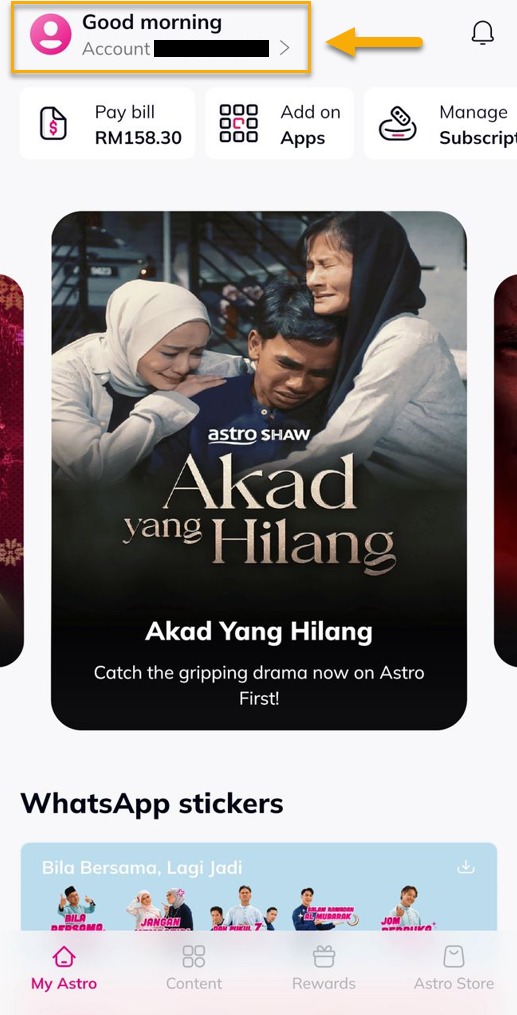
3. Pergi ke bahagian Account.
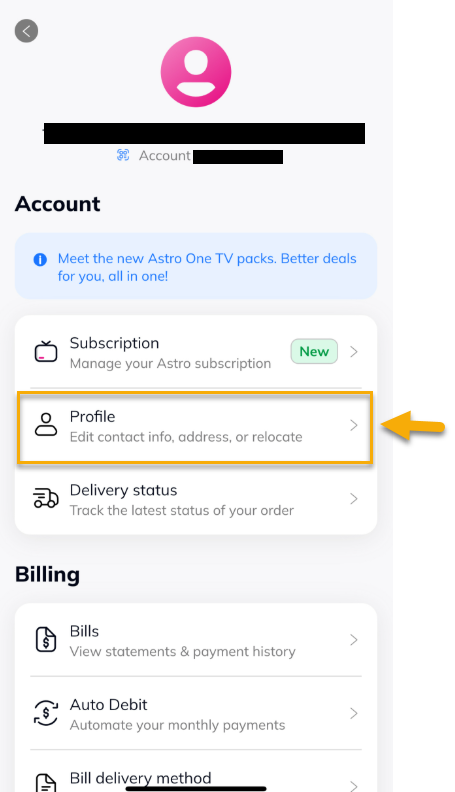
4. Pilih 'Profile'.
5. Di bawah 'Addresses', tekan ikon edit.
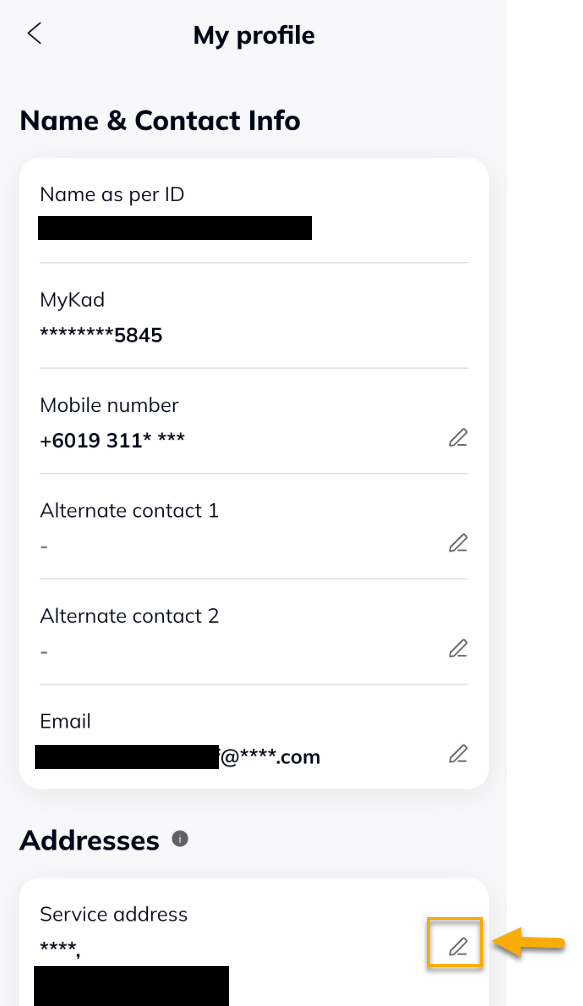
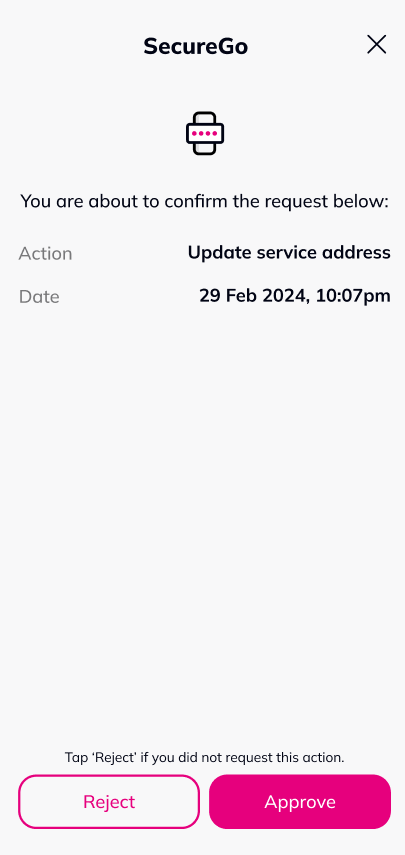
6. Tekan 'Approve' untuk kemaskini alamat servis.
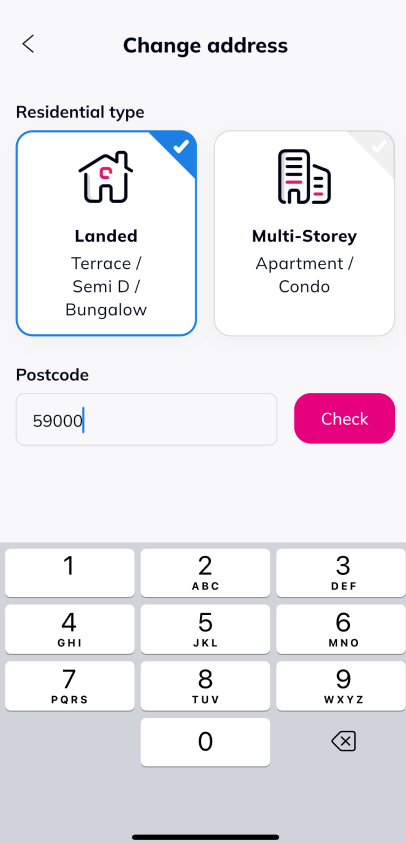
7. Pilih jenis Residensi dan masukkan poskod, kemudian tekan 'Check'.
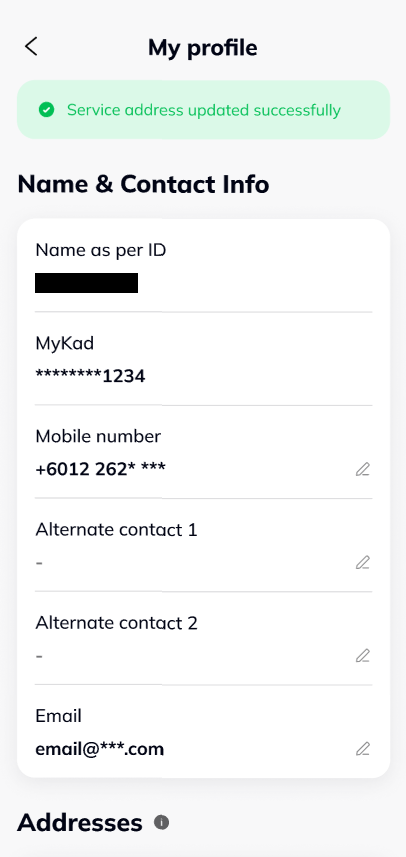
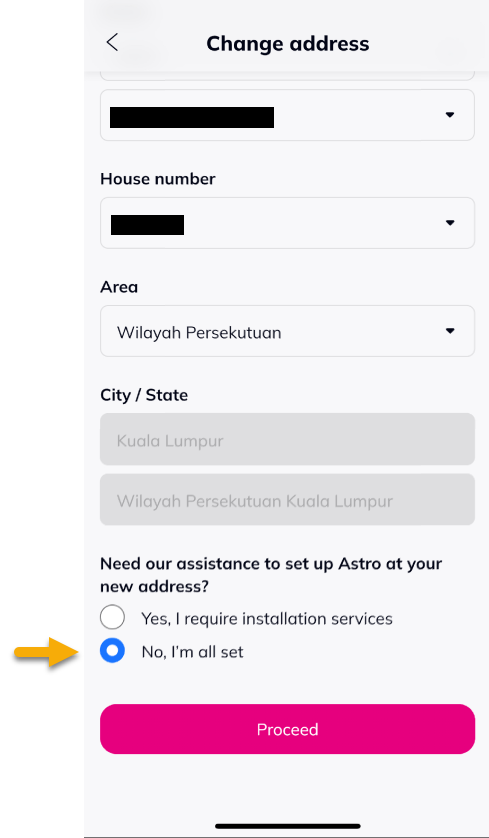
8. Masukkan jalan, nombor rumah dan kawasan.
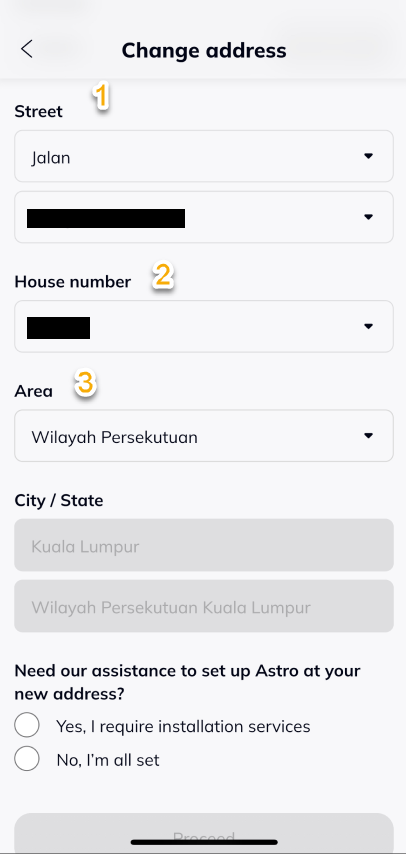
9. Pilih 'No, I'm all set' dan tekan 'Proceed'.
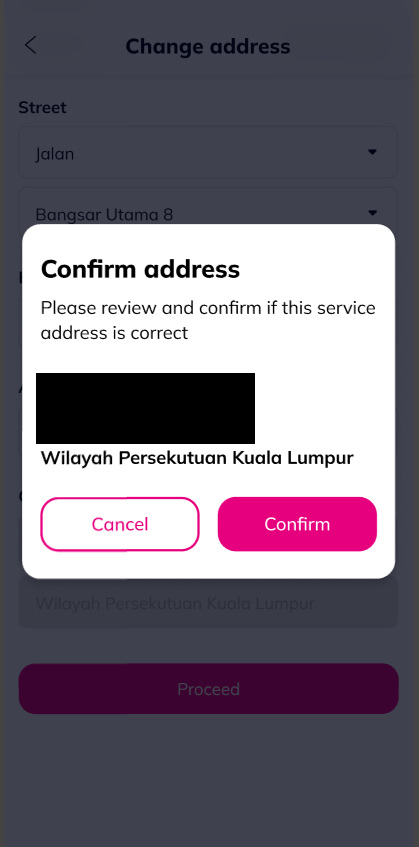
10. Tekan ' Confirm'.
11. Notifikasi berjaya akan dipaparkan.