


 Track
Track
 Login
Login


Disney+
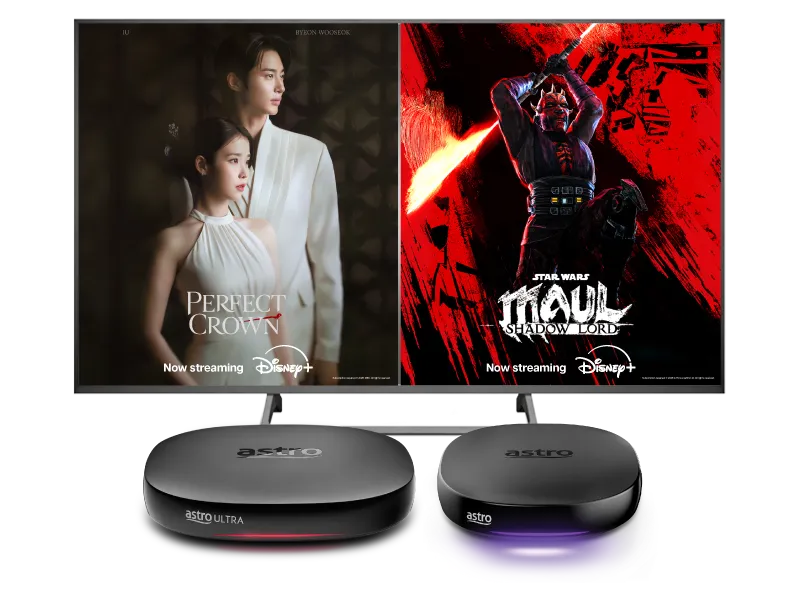
Stream the best in entertainment with Astro



Watch Disney+ on Astro


Step 2
Key in your mobile number to register and enter the OTP to activate your access

Step 3
Yay! You can start streaming now. Cancel your add-on subscription anytime
Add-ons for existing customer
Add Disney+ to upgrade your existing TV plan. Cancel your add-on anytime.
New to Astro? Find your bundles here
Get stable endless entertainment with Disney+ app added on for more variety. Cancel your add-on anytime.
Instant entertainment
Instant access to local & international favourites.
12-month contract
Entertainment + Disney+ Standard
RM56.93
/mth- No Astro box installation required
- Stream on up to 2 screens (maximum 1 Smart TV)
- Billed monthly






Instant entertainment
Instant access to local & international favourites.
12-month contract
Entertainment + Disney+ & Prime Video
RM63.14
/mth- No Astro box installation required
- Stream on up to 2 screens (maximum 1 Smart TV)
- Billed monthly
Instant sports action
Stream LIVE matches, races and games instantly.
12-month contract
Sports + Disney+ Standard
RM86.93
/mth- No Astro box installation required
- Stream on up to 2 screens (maximum 1 Smart TV)
- Billed monthly









Best of entertainment
All your must-watch local & international favourites.
24-month contract
Entertainment + Disney+ Standard
RM66.93
/mth

Best of entertainment
All your must-watch local & international favourites.
24-month contract
Entertainment + Disney+ & Prime Video
RM73.14
/mth
Best of live sports
Match day, race day, game day, live action everyday.
24-month contract
Sports + Disney+ Standard
RM86.93
/mth
The ALL-in-ONE
The ultimate world of entertainment, live sports & apps.
24-month contract
Epic
RM159.99
/mth






Astro X3
Astro One

Astro X3: Entertainment 12 Pack

Astro X3: Entertainment 12 Pack
Instant access to local & international favourites.
RM39.99
/mth
What's in your pack
Astro GO
HD, 2 Screens
Smart TV App
4K UHD
Base
72 channels

Astro X3: Sports 12 Pack

Astro X3: Sports 12 Pack
Stream LIVE matches, races and games instantly.
RM69.99
/mth
What's in your pack

Sun NXT Lite
Full HD, 1 Screen
beIN SPORTS CONNECT
HD, 2 Screens
Astro GO
HD, 2 Screens
Smart TV App
4K UHD

Sports
12 channels

Sports Extra
3 channels
Base
72 channels
Astro One: Entertainment Pack
Astro One: Entertainment Pack
All your must-watch local & international favourites.
RM49.99
/mth
What's in your pack
Astro GO
HD, 2 Screens
Base
103 channels
Astro One: Sports Pack
Astro One: Sports Pack
Match day, race day, game day, live action everyday.
RM69.99
/mth
What's in your pack
Sun NXT Lite
Full HD, 1 Screen
beIN SPORTS CONNECT
HD, 2 Screens
Astro GO
HD, 2 Screens
Sports
12 channels
Sports Extra
3 channels
Base
103 channels

Astro One: Epic Pack

Astro One: Epic Pack
The ultimate world of entertainment, live sports & apps.
RM159.99
/mth
What's in your pack
Netflix Standard
HD, 2 Screens

Disney+ Standard
HD, 2 Screens
Prime Video
4K UHD, 3 Screens
iQIYI Standard VIP
HD, 2 Screens
Sun NXT Lite
Full HD, 1 Screen
beIN SPORTS CONNECT
HD, 2 Screens
Astro GO+
HD, 4 Screens

Kids
5 channels

News & Documentaries
11 channels

Blockbuster
4 channels

Variety
3 channels
Sports
12 channels
Sports Extra
3 channels
Base
103 channels

Smart TV app
Explore
Frequently asked questions
Activate your Disney+ access with your Astro subscription, using the steps below:
- Step 1 - Create- and verify your Astro ID atastro.com.my/astroID. If you already have an existing Astro ID, go to Step 2.
- Step 2 - Gotoastro.com.my/Disney. Login with your Astro ID, activate with your mobile number and verify with a one time passcode (OTP) sent to your mobile number.
- Step 3 - Download the Disney+ app or login via web, and sign in with the mobile number provided in Step 2. Start streaming!
Please first ensure Disney+ access is included and has been activated as part of your Astro subscription. Once you have completed your activation process, you can enjoy Disney+ on the Ultra box with these simple steps:
- Step 1 -Press "Home' on your Astro remote control. On the apps rail, select "Disney+' app > OK > My Account
Create your Astro ID anytime by following these simple steps:
- Step 1: Fill in your details at auth.astro.com.my/create